
Screenshots
Section titled “Screenshots”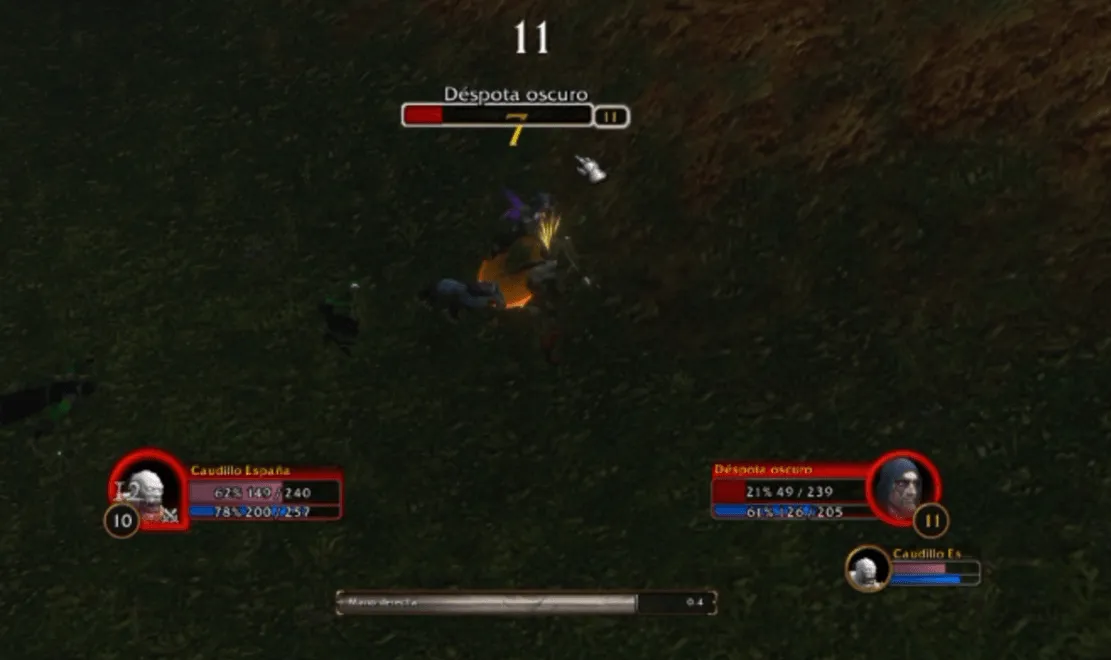
What it does
Section titled “What it does”By default, WoW Forever only shows your health and power numbers when you hover the bar. Health Bar Text Forever keeps them always visible on the player, pet / minion, target, target of target, focus and target of focus frames. For each frame and bar (health and power) you choose what is shown and where.
| Text | Example |
|---|---|
| Value | 1.203 / 1.500 |
| Short value | 13K / 14K (999 / 1K below 1,000) |
| Current value only | 1.203 or 13K, without the maximum |
| Percent | 86% |
Value and percent each go where you want: left, center or right inside the bar, or just outside it on either side. Put them in the same spot and they share one line (86% 1.203 / 1.500); split them and they never overlap (86% on the left, 1.203 / 1.500 on the right).
Features
Section titled “Features”- Always-visible health and power (mana, rage, energy…) on the player, pet / minion, target, target of target, focus and target of focus frames.
- Only on mouseover, per frame: hide the text until you hover the bar, keeping its format and position.
- Turn each frame on or off: an off frame goes back to Blizzard’s default behavior.
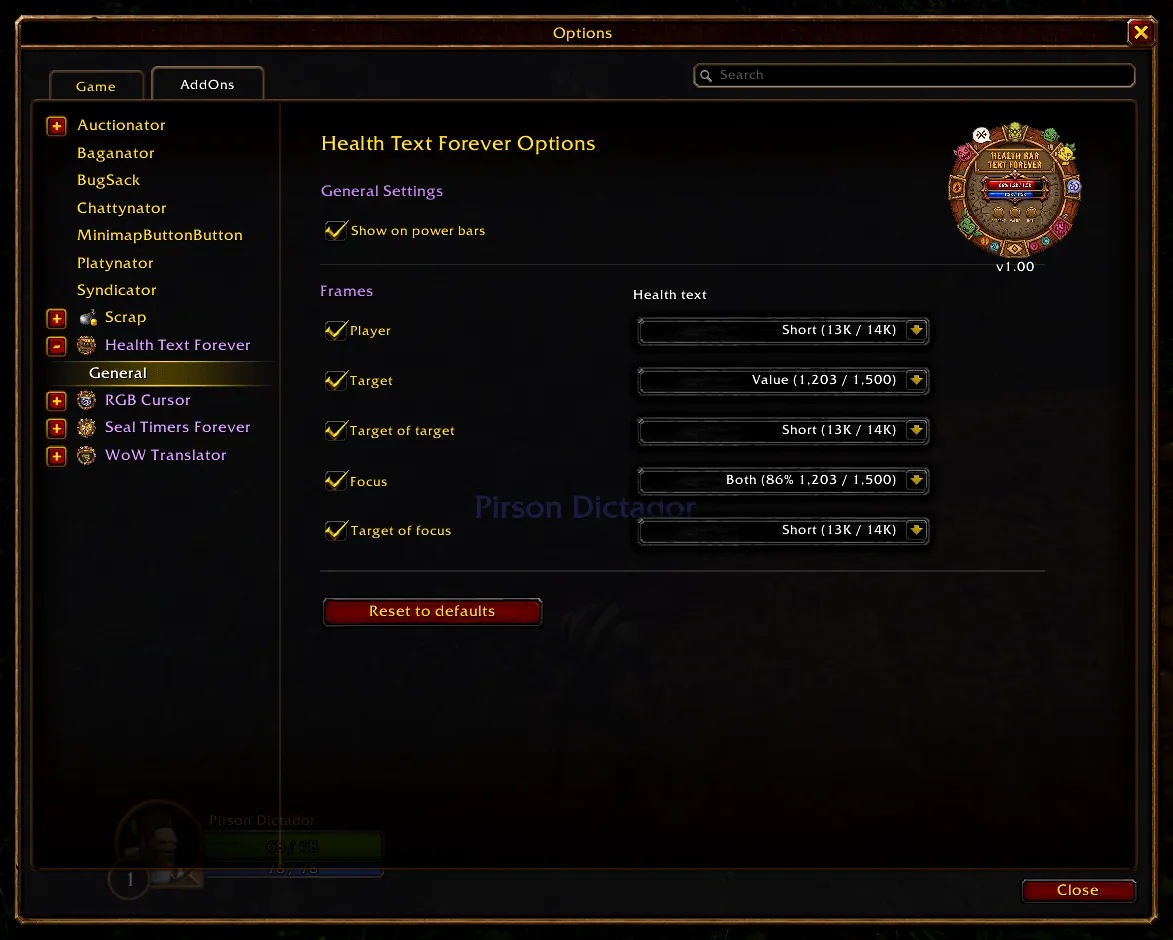
- Per frame and per bar: value (full, short, current only or hidden), percent (on or off) and the position of each one: left, center, right, outside left or outside right.
- Optional text on the power bars (on by default). Turn it off and those bars go back to Blizzard’s default behavior.
- The text hides with no unit or a dead one, so it never covers the game’s own “Dead” label.
- Lightweight, no libraries. Settings live in the game’s own Options → AddOns panel.
/htfopens the settings.- Options → AddOns → Health Bar Text Forever → General: pick a frame, turn it on or off and set its health and power bars; plus “Show on power bars”.
Installation
Section titled “Installation”- Download the zip from the latest release.
- Extract the
HealthBarTextForeverfolder intoWorld of Warcraft/_forever_/Interface/AddOns/. - Restart WoW and enable the addon.
It only loads on WoW Forever: the only TOC is HealthBarTextForever_Camelot.toc (Camelot is Forever’s game type), so no other client lists it.
In WoW Forever, health and power are secret values for addons during combat: they can be shown, but not used in math. This addon never computes anything with them: the percent comes from the game itself (UnitHealthPercent / UnitPowerPercent) and the numbers are only formatted for display.