

Screenshots
Section titled “Screenshots”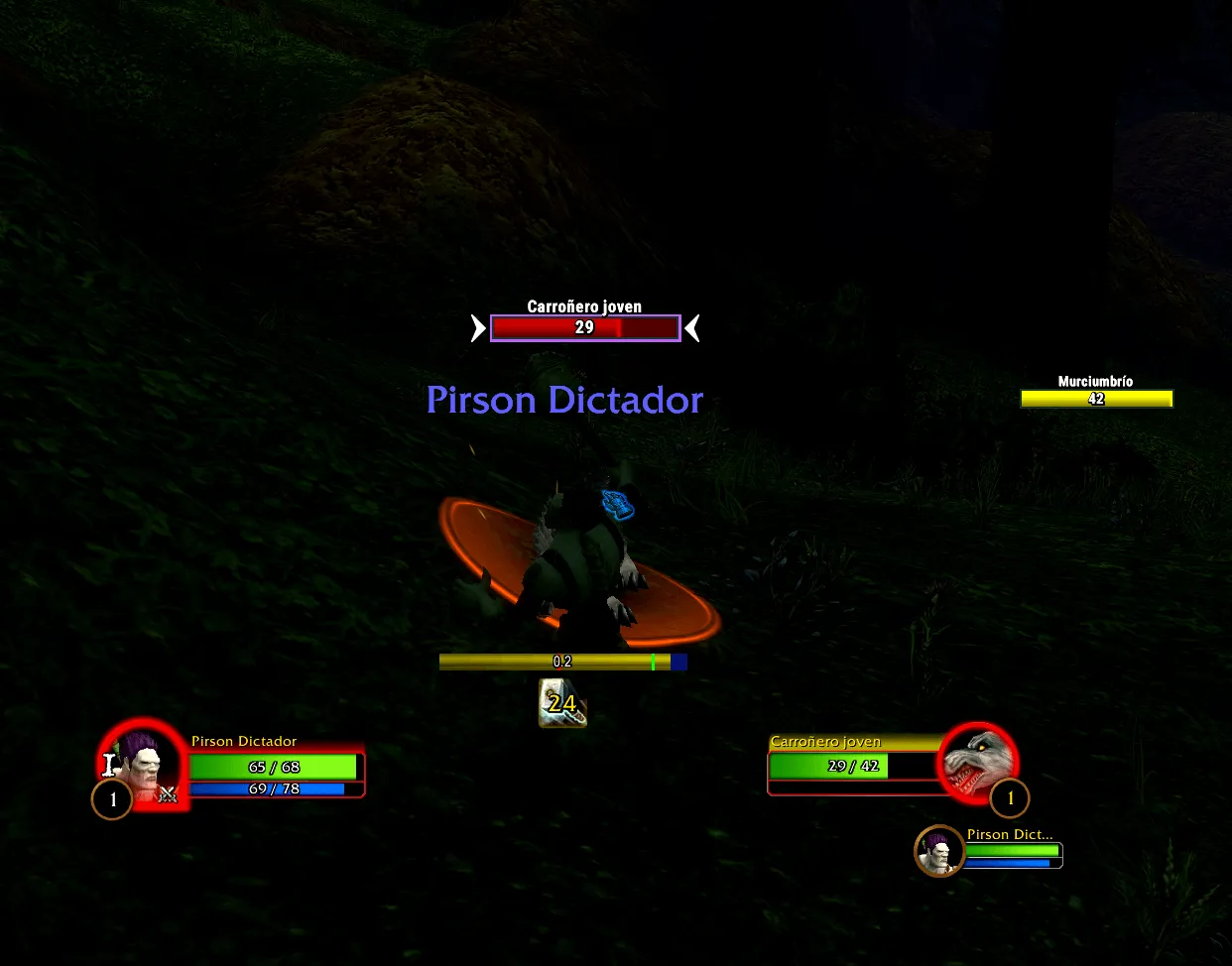
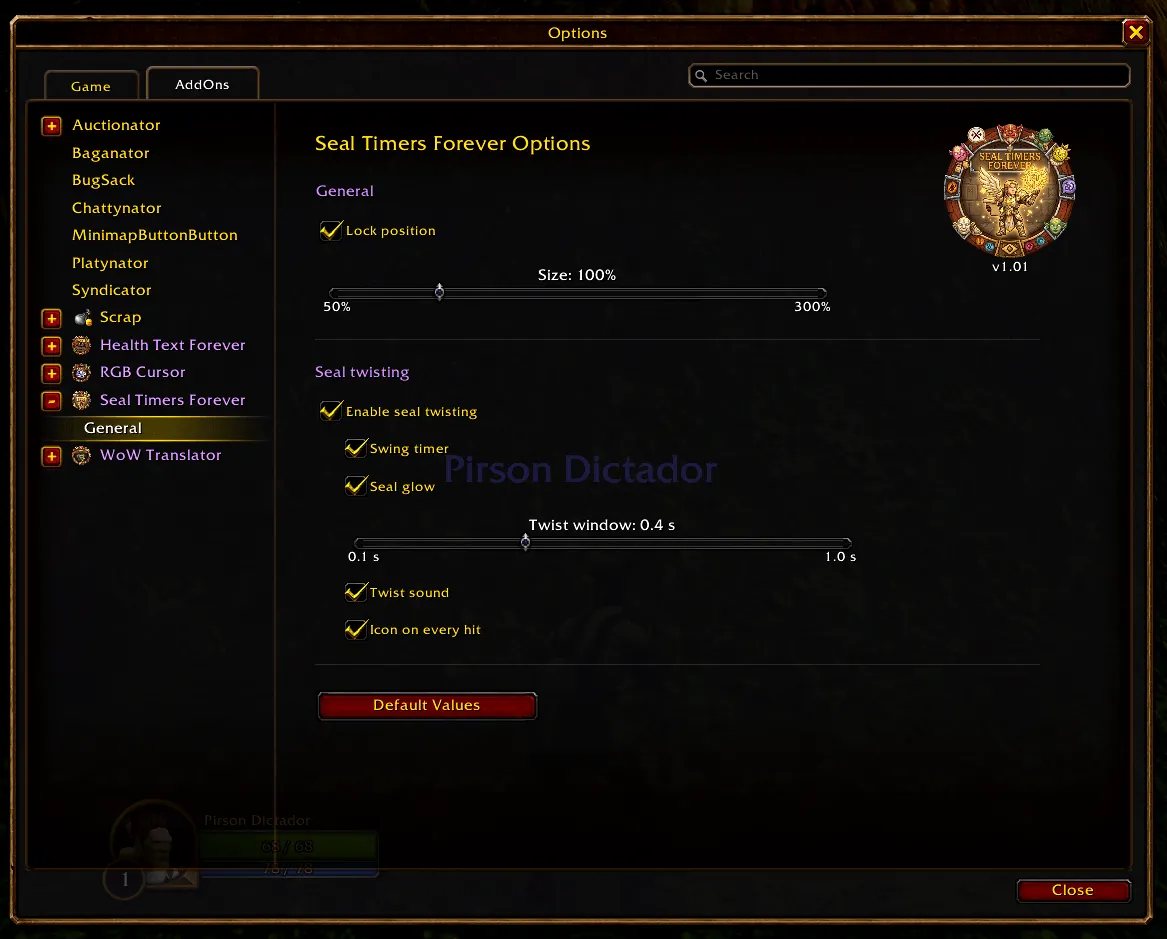
What it does
Section titled “What it does”Seal Timers Forever shows your active paladin seal as an icon with a countdown, so you always know how long it has left, in and out of combat.
It works with every seal in WoW Forever: Seal of Fury, Command, Righteousness, the Crusader, Wisdom, Light, Justice… and any new seal you learn, in any client language.
Features
Section titled “Features”- Active seal icon with its remaining time, updated in and out of combat.
- Recasting a seal restarts its timer; switching seals replaces the icon (only one seal is active in Forever).
- Detects every seal in your spellbook, including new Forever seals like Seal of Fury.
- Running-out alert: the icon lights up in the last seconds of the seal (5 s by default) so you recast it in time. Pick the alert type (pulsing red glow, steady red glow, flashing icon or Blizzard’s proc glow), its intensity and when it starts, with a live preview.
- Border: optional border around the icons, with its thickness (1–6 px) and colour.
- Movable anywhere on the screen and resizable from 50% to 300%: seal icons, swing bar, hit icon and Echo icon, each one on its own.
- Only runs for paladins. Lightweight, no libraries. Settings live in the game’s own Options → AddOns panel.
/stfopens the settings: Lock position (untick it to drag the icons) and Size, an Alert tab for the running-out alert, a Border tab and a Position tab with sliders and a live preview./stf checklists the seals in your spellbook and how each one is tracked in combat./stf debugwrites every seal cast, aura change, the damage your target takes and your Echoes to the chat (for bug reports)./stf resetclears the learned seal durations.
Installation
Section titled “Installation”- Download the zip from the latest release.
- Extract the
SealTimersForeverfolder intoWorld of Warcraft/_forever_/Interface/AddOns/. - Restart WoW and enable the addon.
It only loads on WoW Forever: the only TOC is SealTimersForever_Camelot.toc (Camelot is Forever’s game type), so no other client lists it.
In WoW Forever, aura data is secret to addons during combat, so the addon cannot simply read the seal’s buff. Instead it tracks your own seal casts, which are never secret, and counts the seal’s duration (30 s in Forever) from the moment you cast it. When the game lets the addon read the real aura duration, that one is used.
For addon authors
Section titled “For addon authors”Public API
Section titled “Public API”Read-only and versioned. Add ## OptionalDeps: SealTimersForever to your TOC.
local api = SealTimersForeverAPIif api and api.version == 1 then local seal = api.GetActiveSeal() -- { name, texture, castAt, duration, expiresAt, canTwist } or nil if seal and seal.expiresAt then print(seal.name, seal.expiresAt - GetTime()) -- seconds left end api.GetKnownSeals() -- { { spellID, name }, ... } api.IsSeal("Seal of Command") -- true (client language)endexpiresAt (in GetTime() time) is only given when the cast was seen. After a /reload the time comes from the aura, which Forever may keep secret, so it is nil even though the icon shows it.